Arc browser shutting down: key dates, how to move to Dia
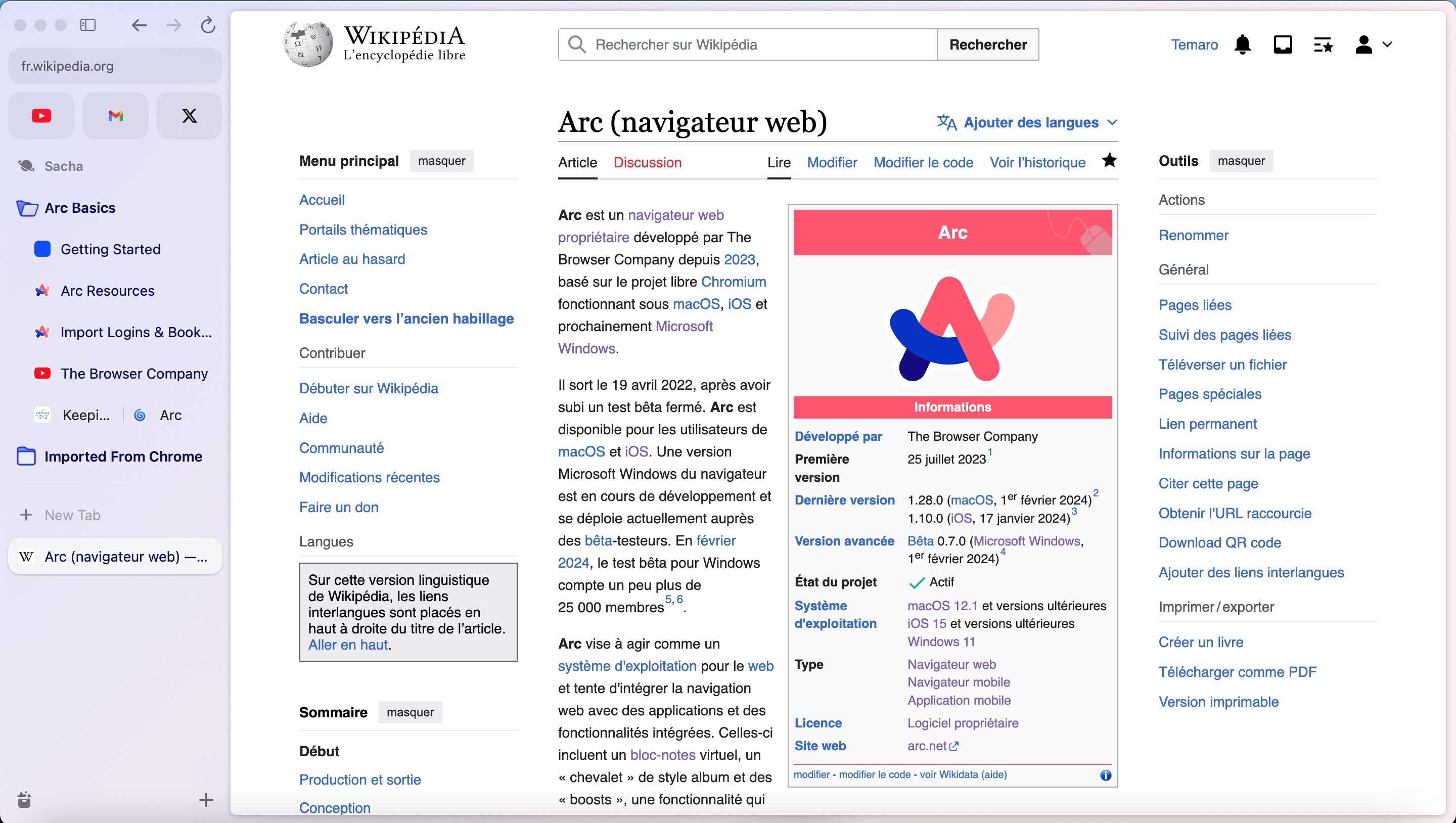
/ Arc browser shuts down on December 22, 2026. Here are the key dates, what happens to your data, and how to move your Spaces, tabs and passwords to Dia.
by Hozefa Khety
· 6 min read
Arc, the browser that made vertical tabs and Spaces fashionable, is shutting down. The Browser Company announced on Thursday, October 22, 2026, that it will "sunset" Arc on December 22, 2026, and it is pointing everyone to Dia, its newer browser built around optional AI features.
If you use Arc on a Mac or Windows PC, you have about two months to move. After December 22 the desktop app stops working, you can no longer sign in, and the company says it will delete personal data tied to Arc accounts within 30 days. Here is the full timeline, what happens to the mobile apps, and how to bring your setup over to Dia or another browser.
Why is Arc shutting down?
The Browser Company says the reason is security. "Keeping a browser secure takes constant, dedicated work that is only increasing in the age of AI," it wrote on its farewell page at arc.net. "Dia, our new browser, was built from the ground up to meet today's security standards, so that's where our engineering and security teams will focus moving forward." Its help center goes further, saying "we can no longer keep Arc as safe and secure as it needs to be."
The writing has been on the wall for a while. The company stopped building new features for Arc in 2025 and moved its team to Dia, though it kept shipping basic updates and fixes. Atlassian, the company behind Jira and Trello, bought The Browser Company for $610 million in 2025, as both TechCrunch and The Verge noted in their coverage of the shutdown.
Arc shutdown timeline: key dates
October 22, 2026: The shutdown was announced and new Arc accounts can no longer be created. If you already have an account, nothing changes yet, and the latest version of Arc adds an option to export your data and a smoother import into Dia.
November 23, 2026: On iPhone and Android, Arc Search loses Browse for Me and its other AI features, and you can no longer sign in or sync tabs. The app keeps working as a basic browser. Arc for Mac and Windows starts showing reminders about the shutdown.
December 15, 2026: Last day to ask for a copy of the personal data tied to your Arc account, or to ask the company to delete it.
December 22, 2026: Arc for Mac and Windows stops working and you can no longer sign in. All Arc accounts are deactivated and Arc services are turned off. Personal data linked to accounts is deleted within 30 days. Arc Search for Android is removed from the Google Play Store and from the phones it is installed on.
What happens to Arc Search on iPhone and Android?
The mobile apps are treated differently. Arc Search for iOS will keep working as a simple mobile browser even after December 22, but from November 23 it loses its AI features and its link to your Arc account. Arc Search for Android also loses AI, sign-in and sync on November 23, and then disappears from Google Play and from devices on December 22.
To keep a list of your open tabs on iPhone, tap the Tab Switcher icon in the bottom-left corner, tap Settings, then tap Export Data. On Android, go to Settings, then Storage, then Export data. Both options let you share or copy your tabs as a list.
How to move from Arc to Dia
The Browser Company has made Dia the official replacement, and the switch is meant to take a few clicks. Download Dia for Mac or Windows from diabrowser.com, and when it asks which browser to import from, pick Arc. You can then choose which of your extensions to install. Keep Arc installed until the import is finished, because Dia reads your Arc data through the Arc app.
On Windows, quit Arc before you start. If Arc is still open, Dia shows a "Cookies file locked" message, and you can click Close to let Dia shut Arc and carry on. If you already use Dia, you can import from Arc any time before December 22: on a Mac use Dia, then Import from Another Browser in the menu bar, and on Windows open the Dia app menu and choose Import from another browser.
A few things to know before you switch. Dia needs its own account, so your Arc login does not carry over, though you can use the same email address. The import is a one-time copy, so anything you change in Arc afterwards will not show up in Dia. Importing does not change or delete anything in Arc itself.
What carries over to Dia, and what doesn't
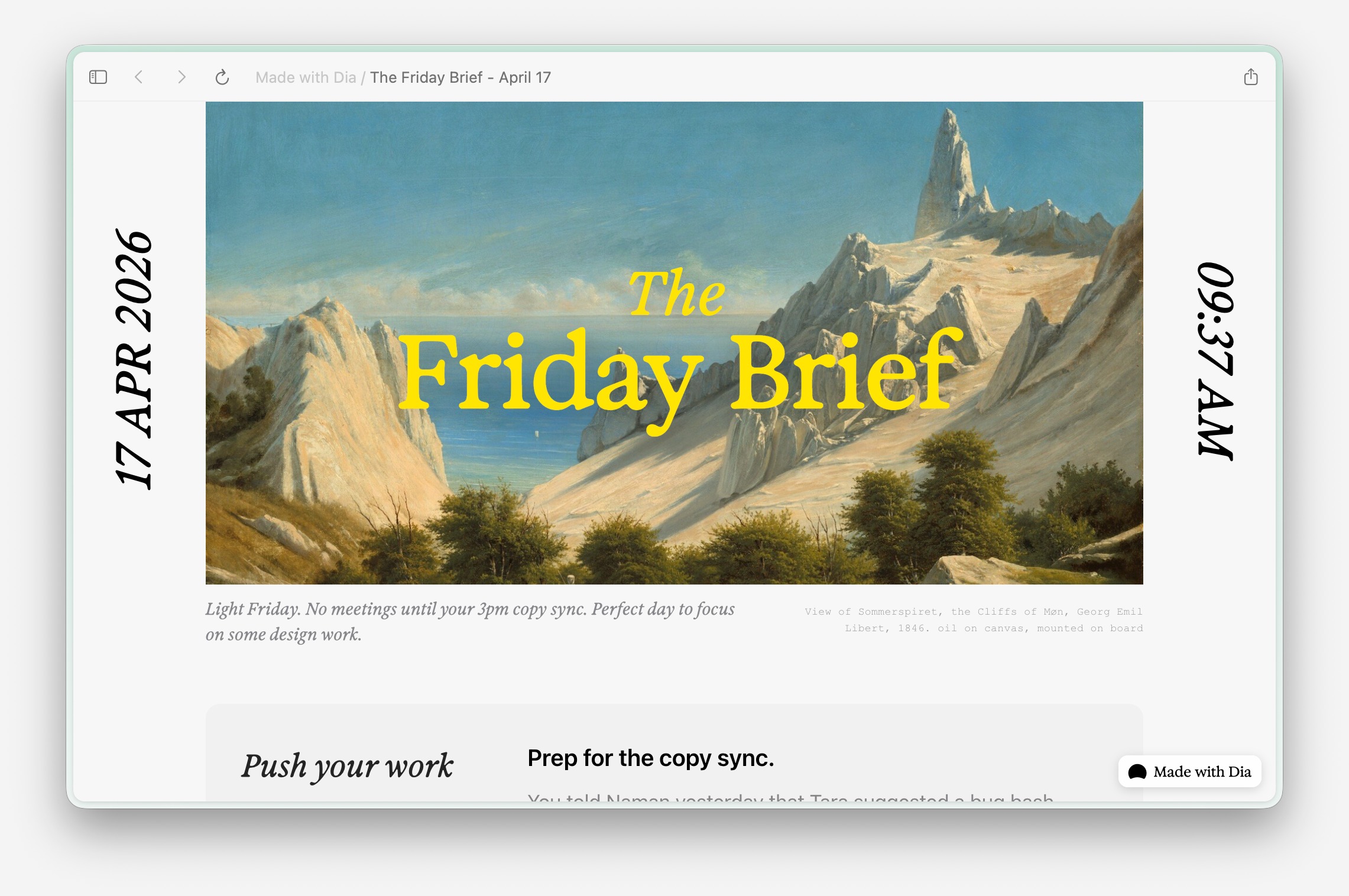
According to the company, your passwords, bookmarks, history, extensions and cookies come across, along with your Spaces, Favorites, pinned tabs and folders. Some features get new names. Spaces become Profiles, which you can swipe between just like in Arc. Favorites show up as icon-only pinned tabs. Folders become Pinned Tab Groups, and Live Folders become Live Groups. Split View, the Command Bar, the Tab Switcher and Chrome Web Store extensions work the same way.
The sidebar is still there, but Dia opens with tabs across the top by default. When you import from Arc, Dia switches to the sidebar for you, and you can flip between the two layouts in Settings or with Command plus Shift plus S on a Mac (Control plus Shift plus S on Windows). Arc's tab archiving is replaced by Tidy Tabs, which is off by default and moves inactive tabs to Recently Closed once a day when switched on.
Some Arc favourites are gone for good. The company lists Air Traffic Control, Boosts, Easels, Little Arc, Peek, TypeTravel and Instant Links as not available in Dia. That means your Easels and Boosts will not come over in the import, so save anything you need from them before December.
Is Dia free?
The browser itself is. The Browser Company says the Arc features you use are free in Dia and that Dia's AI features are optional. Its free Better Browser tier includes profiles, tab groups, split view, picture-in-picture video, a built-in ad and tracker blocker, and sync across devices.
The AI features are paid. Dia's plans page lists a Better Answers plan for chatting with Dia about pages and your tools, and a Better Days plan at $100 a month with six times the usage plus a daily briefing, reports and decks. The price shown for Better Answers is inconsistent on the page: the plan card says $10 a month while the FAQ on the same page says $20 a month. New users get a 14-day free trial of Better Days with no credit card required, and can keep using Dia as a free browser afterwards.

Don't want Dia? Other options
You do not have to move to Dia. Arc lets you export your Spaces, Favorites, pinned tabs and folders as a list of links that you can open in any browser. You can open that list in Chrome, Firefox, Safari, Edge or any other browser you prefer.
If you mainly loved Arc for its look and vertical tabs, The Verge points out that Zen, a browser built on Mozilla's Firefox engine, is a common recommendation for an Arc-like setup. Whatever you choose, do the move well before December 22, because after that date you will not be able to open Arc to get your tabs and browsing data back.
What it means
Arc had a lot of big ideas about browsers that have since popped up in other browsers, as The Verge put it. Its end is also a sign of where browser makers are heading: towards AI features and the security work needed to protect them. For Arc users the practical advice is simple. Export or import your data now, and make sure anything stored only in Arc, like Easels and Boosts, is saved somewhere else before December 22.
See more of The Threshold on Google
Add us as a preferred source to see more of our stories in your Top Stories.
Frequently asked questions
When is Arc browser shutting down?
Arc for Mac and Windows stops working on December 22, 2026. On that date Arc accounts are deactivated, Arc services are turned off and you can no longer sign in. The Browser Company announced the shutdown on October 22, 2026.
Why is The Browser Company shutting down Arc?
The company says keeping a browser secure has become much harder in the age of AI and that it can no longer keep Arc as safe as it needs to be. Its engineering and security teams are now focused on Dia.
Can I still download Arc?
Only if you already have an Arc account. New accounts could no longer be created from October 22, 2026, but existing users can download Arc for Mac and Windows and sign in until December 22, 2026.
What happens to my Arc data after December 22?
Arc accounts are deactivated and the personal data tied to them is deleted within 30 days. You will not be able to open Arc to reach browsing data stored on your computer, so import it into Dia or export it before then. Requests for a copy of your account data must be made by December 15, 2026.
How do I move from Arc to Dia?
Download Dia from diabrowser.com, and when it asks which browser to import from, choose Arc. Keep Arc installed until the import finishes, and on Windows quit Arc first. Existing Dia users can import from Arc via the Import from another browser option.
What Arc features are missing from Dia?
Air Traffic Control, Boosts, Easels, Little Arc, Peek, TypeTravel and Instant Links are not in Dia, and Easels and Boosts do not come over in the import. Spaces become Profiles and folders become Pinned Tab Groups.
Is Dia free?
Yes, the browser is free and its AI features are optional. Paid AI plans include Better Answers and Better Days at $100 a month. Dia's plans page currently shows Better Answers at $10 a month on the plan card and $20 a month in its FAQ, and new users get a 14-day free trial.
Will Arc Search keep working on my phone?
Arc Search for iPhone keeps working as a basic browser after December 22, but loses AI features, sign-in and sync on November 23. Arc Search for Android loses those features on November 23 and is removed from Google Play and from devices on December 22.