One UI 9.5 beta: new features and how to join
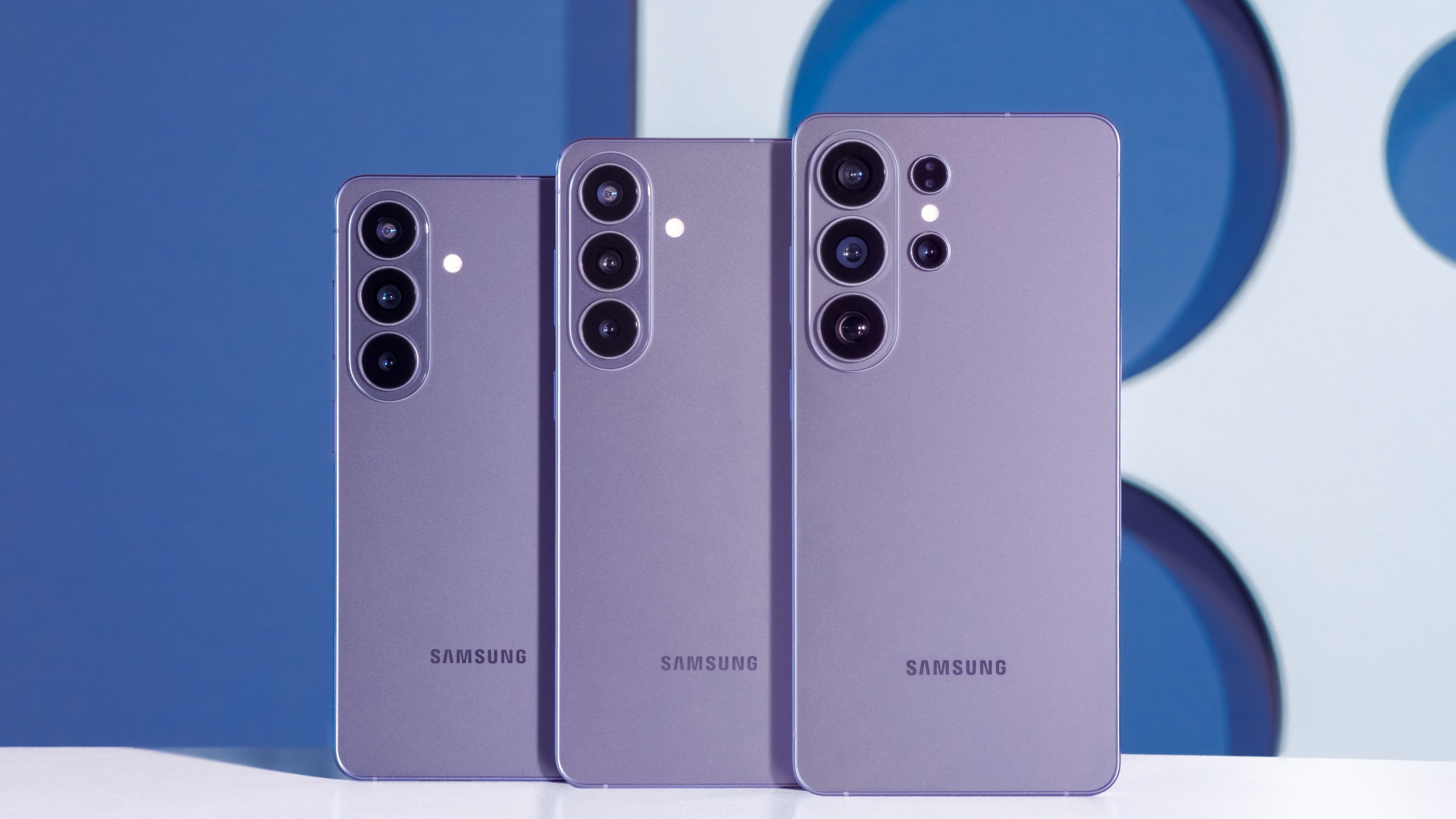
/ Samsung's One UI 9.5 beta is open to Galaxy S26 owners in six countries. What's new, including App Lock, how to join, how to roll back and what's missing.
by Hozefa Khety
· 7 min read
Samsung has opened the One UI 9.5 beta program, giving Galaxy S26, S26+ and S26 Ultra owners an early look at the next version of its Android software. The beta went live on November 18, 2026 in six countries: the United States, the United Kingdom, India, Germany, South Korea and Poland. Sign-up is through the Samsung Members app, and the first build is a download of roughly 3.5 to 3.6 GB.
The headline addition is App Lock, a built-in way to lock individual apps with your fingerprint, face or PIN. There are also new Pro camera controls, a moving depth effect for lock screen wallpapers, two new Samsung Health tools, a 10-second pause before opening apps you choose, and a long list of smaller tweaks. Below is who can get it, how to join, everything that is new, what is missing and how to go back if the beta gives you trouble. Details checked November 19, 2026, 18:55 IST (13:25 UTC).
Who can get the One UI 9.5 beta?
For now, only the Galaxy S26 series. Samsung's announcement says the program is open to Galaxy S26 users in select markets, naming Germany, India, Korea, Poland, the UK and the U.S. That covers the Galaxy S26, Galaxy S26+ and Galaxy S26 Ultra. Older phones such as the Galaxy S25, and Samsung's newest foldables, the Galaxy Z Fold 8, Z Fold 8 Ultra and Z Flip 8, are not part of this first round.
Places in Samsung beta programs are usually limited and registration tends to open in waves, so you may not see the option straight away even with an eligible phone in a supported country. Samsung has not said whether more phones or countries will be added, though it has widened past beta programs after launch.
How to join the One UI 9.5 beta
Step 1: Open the Samsung Members app on your Galaxy S26 and sign in with your Samsung account. If you deleted the app, reinstall it from the Galaxy Store or Google Play.
Step 2: Scroll down to the Beta program section and tap the One UI 9.5 S26 Beta card.
Step 3: Tap Join, accept the terms and finish enrolment.
Step 4: Go to Settings, then Software update, then Download and install. The update should appear once your enrolment is accepted. Charge your phone to at least 30% first, and back it up before you install, because beta software can have bugs and going back later means wiping the phone (more on that below).
App Lock and new privacy features
App Lock is the change many Samsung owners have wanted for years. You can lock any individual app with biometrics or your screen lock (PIN, pattern or password), without having to move it into Secure Folder. Samsung says that when an app is locked, its notification content and widgets stay hidden too, so someone holding your phone cannot read messages from the lock screen or home screen.
On the Galaxy S26 Ultra, the Privacy Display, which makes the screen hard to read from the side, can now switch on automatically when you open locked apps, Secure Folder, private Gallery albums or locked notes in Samsung Notes. SamMobile also reports that fingerprint and face recognition now work at the same time, so you no longer need an extra tap to verify, and that the screens for registering your fingerprint and face have been improved.
A new Digital Wellbeing option adds a 10-second pause before chosen apps or app categories open, a small speed bump for people trying to cut down on doomscrolling.
Camera: custom Pro controls and a zoom bar
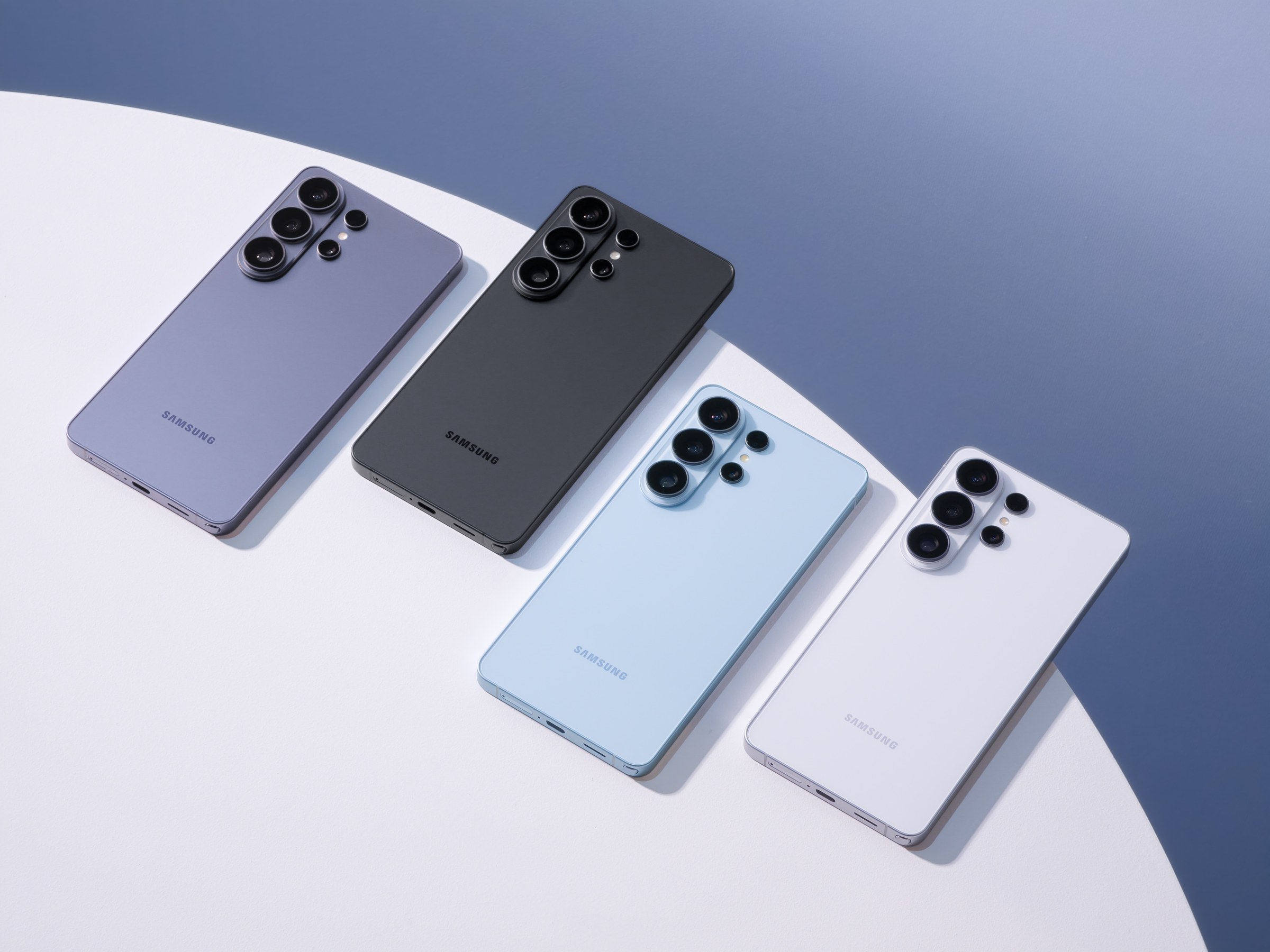
The Pro and Pro Video modes get customisable buttons and presets, so you can save your own settings for different shooting conditions. SamMobile says they also add lens tone options, zoom level settings, an improved histogram and an audio level meter for video. Samsung notes these upgrades only apply to phones that support the full Pro and Pro Video modes, not the Pro Lite versions.
In the regular camera, key controls and a new zoom bar now sit together on one screen, and Android Authority reports that zoom can now be shown as a focal length (for example in millimetres), as on a traditional camera.
Lock screen, wallpapers and Now Bar
Lock screen wallpapers can get a live depth effect, with parts of the image shifting as you tilt the phone. You can also choose how long a lock screen clock with seconds stays on screen, and there are more clock customisation options. The Now Bar, the live activity strip on the lock screen, gets sports animations for goals and wins.
Samsung Health, accessibility and other changes
Samsung Health adds Mindful Note, a journal for writing down thoughts and feelings either freely or with guided prompts, and Medications, which lets you add prescriptions, vitamins and supplements, set reminders and track whether you have taken them. Samsung says Medications availability may vary by market, and SamMobile reports a worldwide rollout plus improved sleep coaching and rearranged Activity, Sleep, Vitals, Mindfulness and Nutrition cards.
For accessibility, a floating shortcut button can stay on screen and open a menu of the controls you use most, and hearing aid users can change volume from the notification panel and choose which sounds, such as notifications, ringtones and alarms, go to their hearing aids.
Other changes reported by SamMobile and Android Authority: My Files can edit Word (DOCX) and PowerPoint (PPTX) files directly and helps clear out the vague Other storage category, Samsung DeX gets better window maximising and snapping plus an auto-split option, the Quick Panel gets a search box for finding controls, and you can download extra ringtones from past and present Galaxy phones. Samsung is also removing Audio Brief and Moments from Now Brief in this update.
What is missing from the first beta
Leaks before the launch pointed to a Tap to Share feature for swapping contacts, links and files by tapping two Galaxy phones together, similar to what Pixel phones already offer. Reports differ on whether it is in this build: The Verge lists support for Tap to Share in Quick Share among the beta's highlights, while PhoneArena says it is not in the changelogs it saw. Samsung's own announcement does not mention it. First betas rarely include everything, and Samsung usually adds features in later beta builds.
Should you install it, and how do you roll back?
This is the first beta, and Samsung itself warns that beta software can cause unexpected problems. If your Galaxy S26 is your only phone, or you rely on banking and work apps every day, it is safer to wait for the stable release. If you do install it, back up first with Smart Switch on a Windows PC or Mac, or with Samsung Cloud.
Going back to stable One UI 9 is possible but not painless: it requires a factory reset. In Samsung Members, open the One UI 9.5 S26 Beta page, tap the three-dot menu and choose to leave the beta. Then connect the phone to a computer with Smart Switch and use its Downgrade option to install the stable software. Everything on the phone is erased, so you will need that backup.
When will the stable One UI 9.5 update arrive?
Samsung has not given a date for the final release or said which phones will get it. 9to5Google notes that the Galaxy S27 is expected to be the first phone to ship with stable One UI 9.5, which would explain why the beta is limited to the S26 series for now. Until Samsung confirms more, treat any date for other Galaxy phones as a guess. We will update this article as more beta builds and devices are added.
See more of The Threshold on Google
Add us as a preferred source to see more of our stories in your Top Stories.
Frequently asked questions
What is One UI 9.5?
One UI 9.5 is the next version of Samsung's Android software for Galaxy phones. Samsung opened a beta on November 18, 2026 with App Lock, new Pro camera controls, lock screen depth effects, Mindful Note and Medications in Samsung Health, and accessibility and privacy improvements.
Which phones can get the One UI 9.5 beta?
Only the Galaxy S26, Galaxy S26+ and Galaxy S26 Ultra for now. Older Galaxy S phones and the Galaxy Z Fold 8, Z Fold 8 Ultra and Z Flip 8 are not in this first round.
Which countries is the One UI 9.5 beta available in?
Samsung opened it in the United States, the United Kingdom, India, Germany, South Korea and Poland. Phones bought elsewhere cannot join yet.
How do I join the One UI 9.5 beta?
Open the Samsung Members app, tap the One UI 9.5 S26 Beta card in the Beta program section and tap Join. Then go to Settings, Software update, Download and install. Slots can be limited, so check back if you do not see the option.
How big is the One UI 9.5 beta update?
Android Authority reports the first beta weighs about 3.49 GB to 3.6 GB, depending on the model and region.
Does One UI 9.5 have App Lock?
Yes. You can lock individual apps with biometrics or your PIN, pattern or password, and locked apps also hide their notification content and widgets. On the S26 Ultra, Privacy Display can turn on automatically for locked apps.
Can I go back to One UI 9 from the beta?
Yes, but it needs a factory reset. Leave the beta in Samsung Members, then use the Downgrade option in Smart Switch on a PC or Mac. Back up your phone first, because everything on it is erased.
When will the stable One UI 9.5 update be released?
Samsung has not announced a date or a device list. 9to5Google expects the Galaxy S27 to be the first phone with stable One UI 9.5, with existing phones likely to follow after that.