Gemini on Apple CarPlay: how to use it and what it does
/ Google's Gemini app is rolling out on Apple CarPlay worldwide with hands-free Gemini Live chats. Here's how to set it up, what it can do and what it can't.
by Hozefa Khety
· 6 min read
Google's Gemini app is now coming to Apple CarPlay. Google announced on Wednesday, November 11, 2026, that iPhone owners can open Gemini on their car's screen and have a hands-free, back-and-forth voice conversation with Gemini Live while they drive.
The rollout is global and covers every language Gemini Live supports, but it is gradual. On launch day, both 9to5Mac and Android Authority said the CarPlay update had not reached their iPhones yet, so it may take a few days to show up in your car. Here is how to get it, what it can do and where its limits are.
What Gemini on CarPlay does
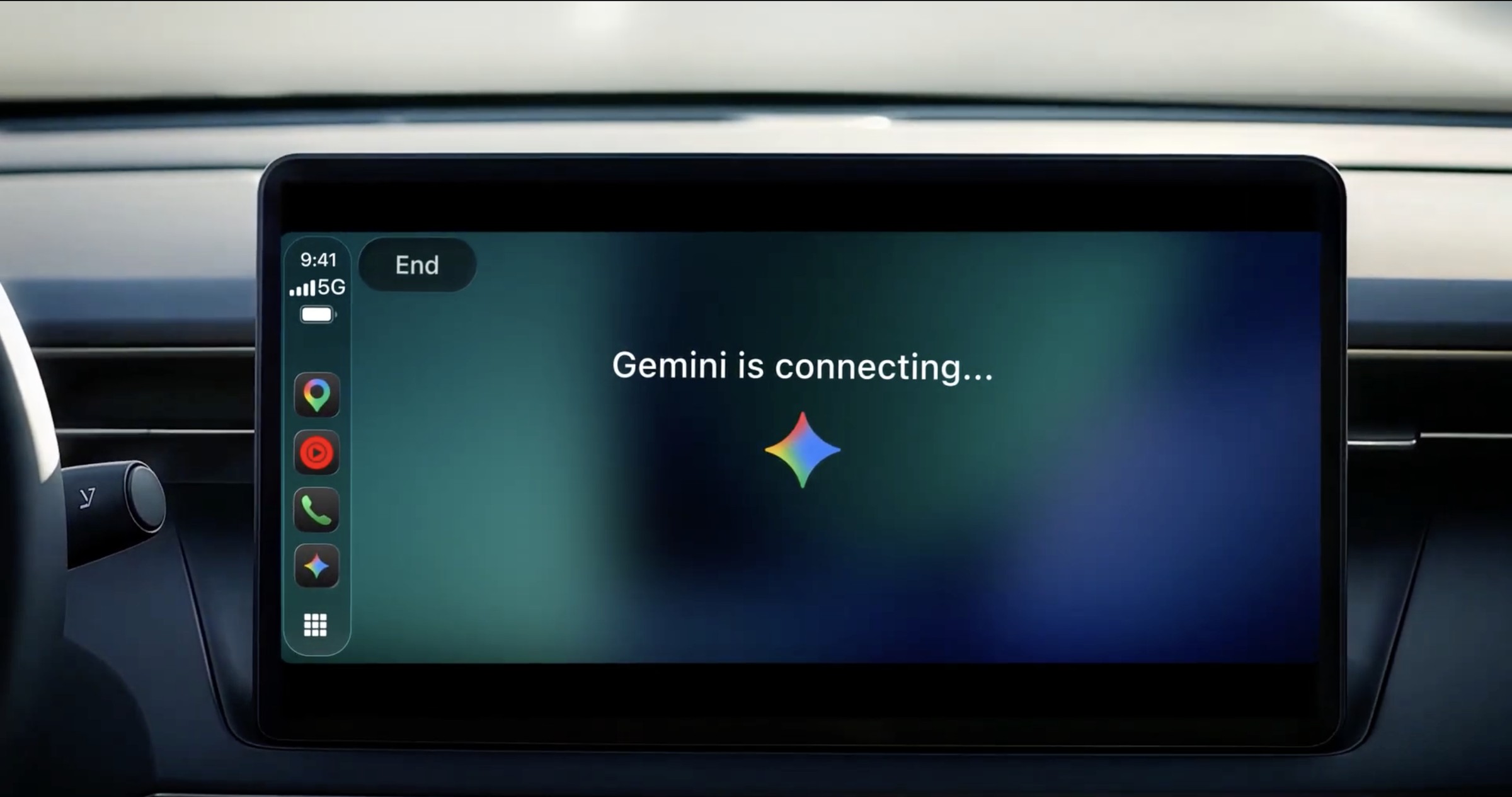
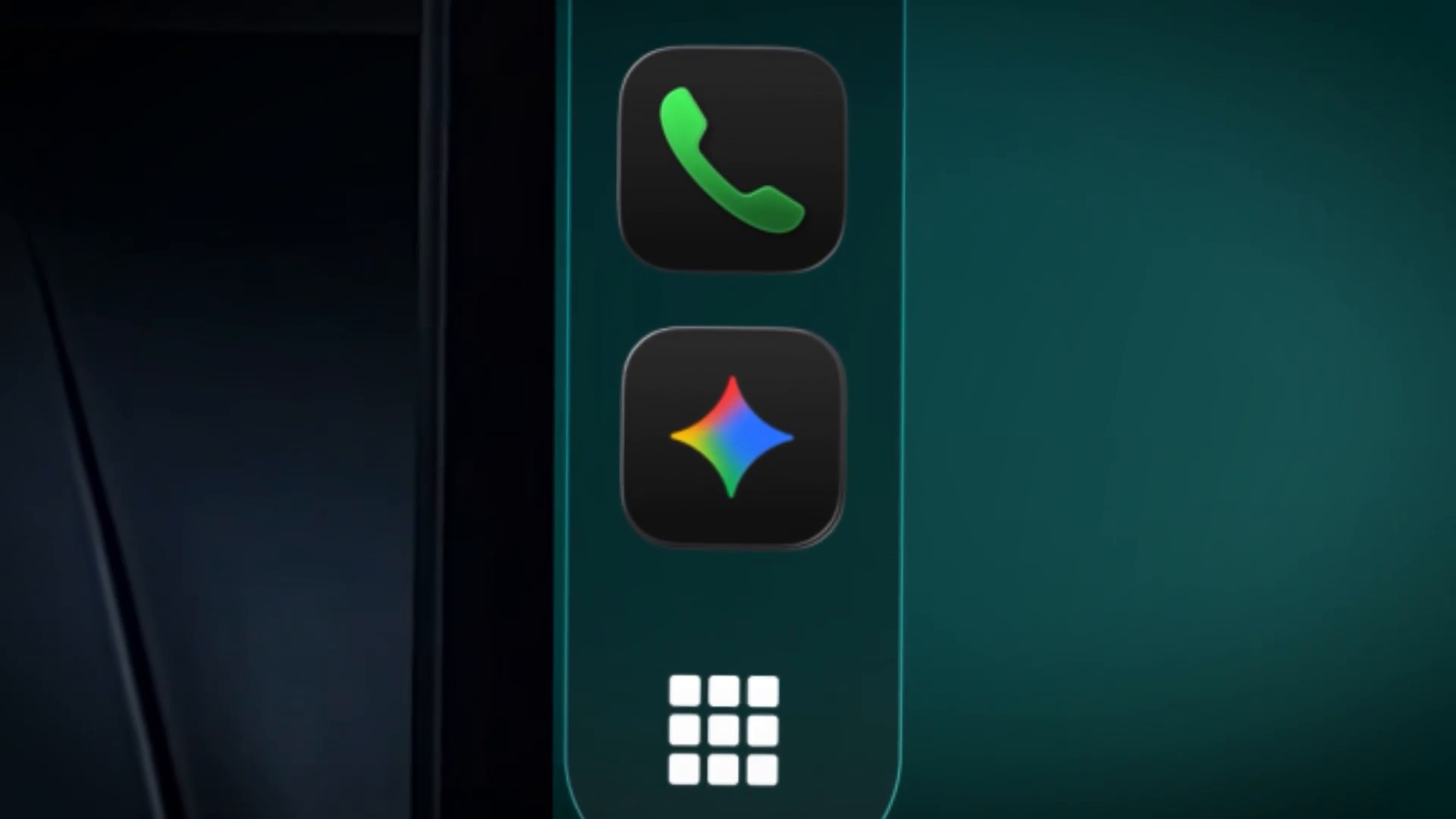
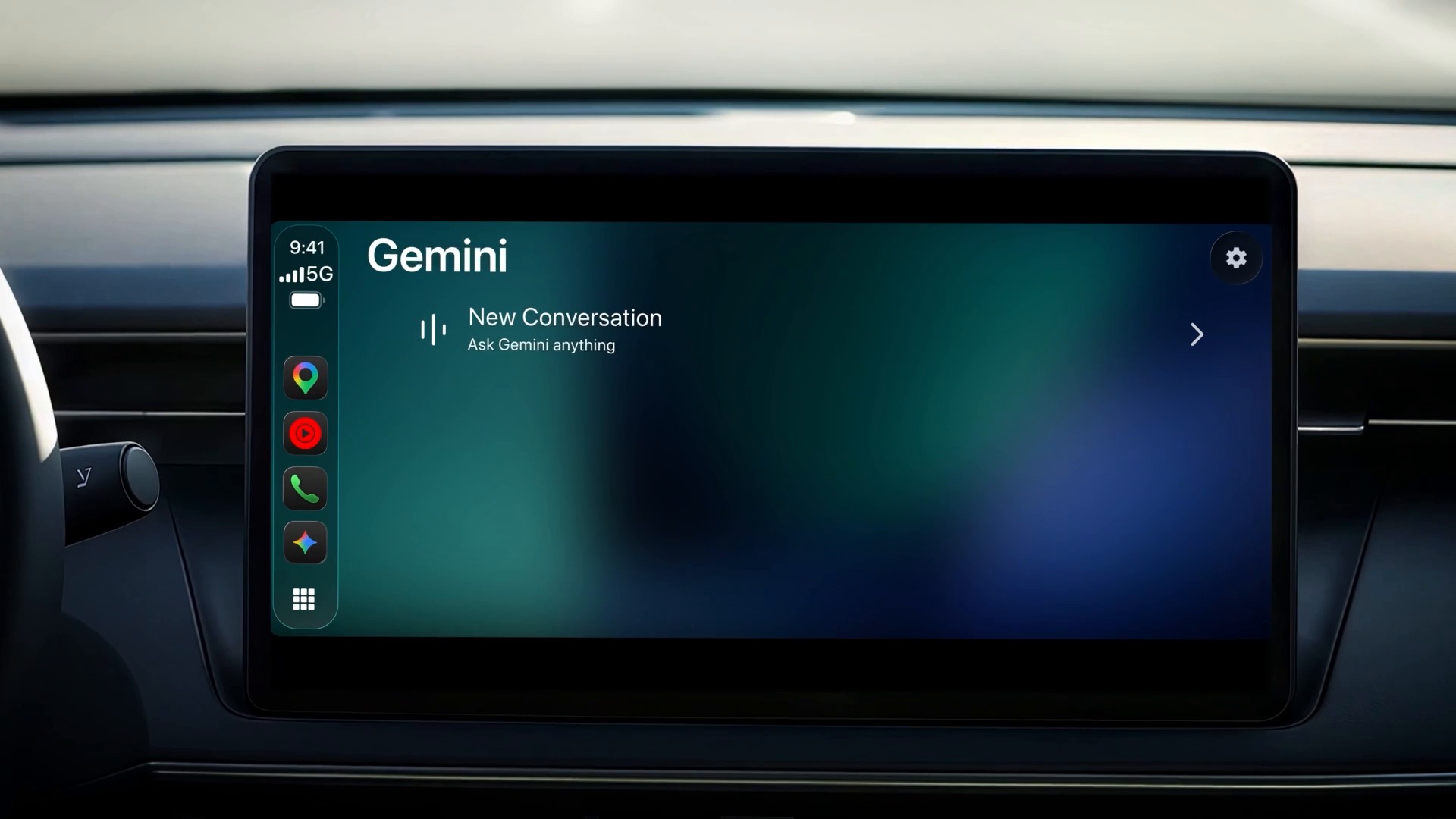
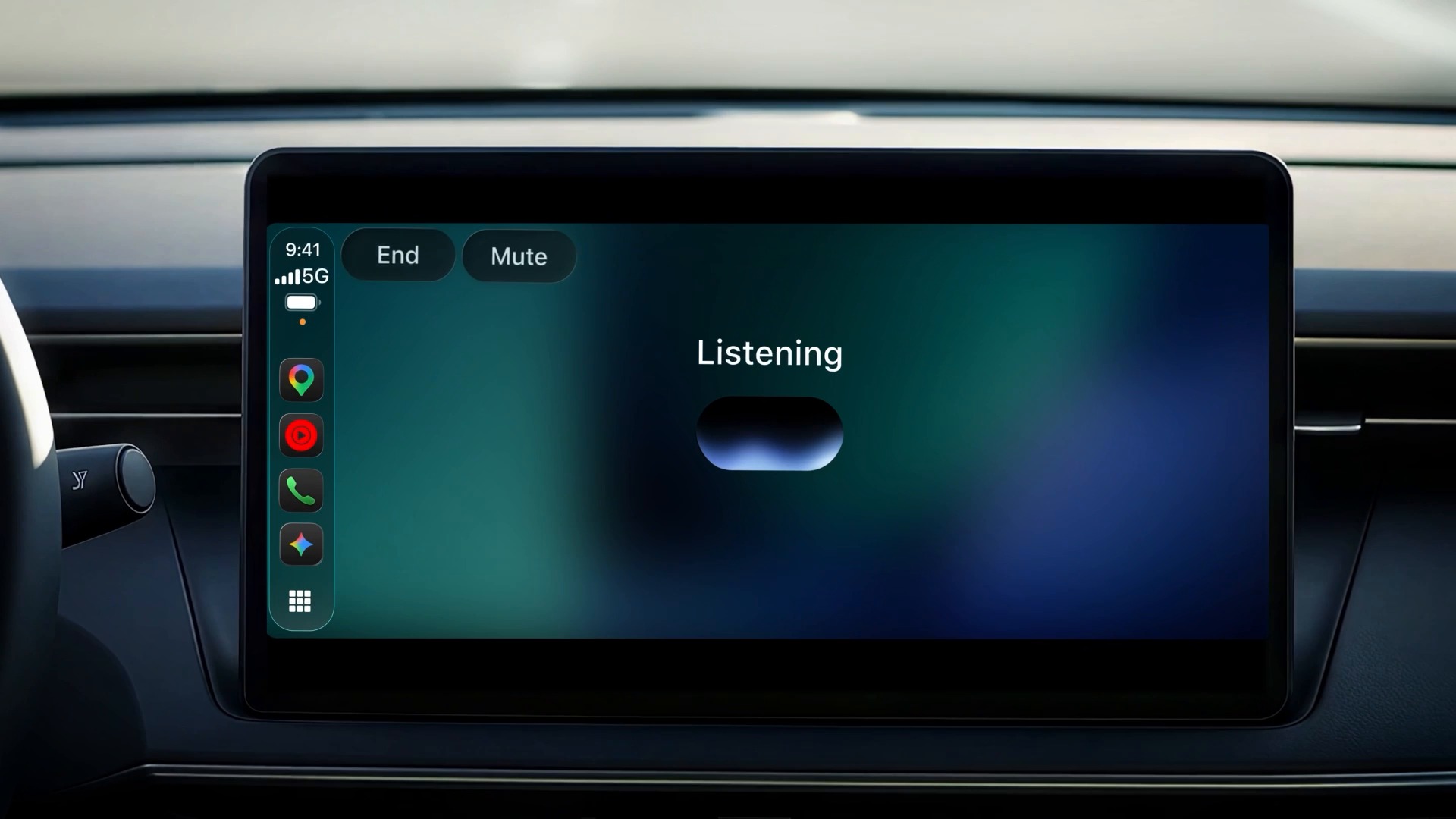
Gemini on CarPlay is the full Gemini app on your car's display, built around Gemini Live, Google's voice chat mode. You tap the Gemini icon on the CarPlay home screen or in the side rail, then either start a new conversation or pick up a recent one. You can talk at your own pace, interrupt to add a detail, change the subject or pause when you need to focus on the road.
Your car chats are not lost when you park. Google says CarPlay conversations sync with the Gemini app on your iPhone, so any summary, note or brainstorm from the drive appears in your chat history afterwards. It works the other way too: you can start a chat on your phone and carry it on in the car.
What you can ask it while driving
Google pitches Gemini on CarPlay as a way to use commute time, and gives four main examples.
Plan your day: ask what is on your calendar, when you need to leave for your next appointment, or talk through a meeting before you arrive. Google's sample prompts are "What does my day look like?" and "Help me prep for my 10am with the design team."
Catch up on email: because Gemini connects to Google Workspace apps such as Gmail and Google Calendar, you can ask for your daily brief, hear a summary of unread emails or a long thread, and talk through a quick reply by voice.
Find places: ask for a quick lunch spot near where you are heading, or the story behind a landmark you are passing.
Think out loud: rehearse a presentation, prepare for a difficult conversation or have a topic explained in simple terms. Google's example is asking Gemini to play a skeptical boss and challenge your pitch.
One catch for the inbox features: Google's footnote says the daily brief must be switched on first, and that some personalization features, including the daily brief, are not available to users under 18 or in the European Economic Area and Nigeria.
How to get Gemini on Apple CarPlay
You do not need a separate app. Google lists three steps:
1. Update the Gemini app on your iPhone to the latest version from the App Store.
2. Allow the Gemini app to use the microphone.
3. Use Gemini Live on your iPhone at least once. Then, the next time you connect your phone to your car, tap the Gemini icon on the CarPlay screen and start talking.
Google has not listed a minimum iOS version for the CarPlay feature. The Gemini app itself needs iOS 18.2 or later, according to its App Store listing. But Apple only opened CarPlay to voice-based AI apps with iOS 26.4 earlier this year, and OpenAI's ChatGPT, for example, needs iOS 26.4 or later in CarPlay. So if the Gemini icon does not appear, update your iPhone as well as the app.
If it still does not show up after updating, it is most likely the staged rollout. When we checked the US App Store listing at 21:22 UTC on November 11, the latest release notes did not mention CarPlay yet.
What it can't do
Gemini on CarPlay is a conversation app, not a replacement for Siri. Android Authority notes that it does not get deep device-level access, so you should not expect it to change your music, adjust the air conditioning or control other CarPlay apps.
That matches Apple's rules. In its CarPlay developer guide, Apple says voice-based conversational apps must use voice as the main way to interact and should be optimized for driving, which means no text and images in answers. These apps also do not replace Siri in CarPlay, so you open the Gemini app on the car screen yourself.
And as with any AI chatbot, Gemini can get things wrong. Google's own help page for Gemini in Android Auto warns that it can present inaccurate information as fact and should not be relied on for safety-critical information while driving.
Gemini was the last big AI app missing from CarPlay
Gemini is late to this party. Apple added support for voice-based conversational apps in CarPlay with iOS 26.4, and 9to5Mac notes that ChatGPT, Perplexity, Claude, Copilot, Meta AI and Grok all shipped CarPlay support before Gemini. 9to5Mac also points out that Apple's own standalone Siri app in iOS 27 works in CarPlay.
Google had already put some Gemini features on CarPlay through Google Maps, which started rolling out conversational Gemini help during navigation in October. On Android, Gemini has been rolling out to Android Auto and to cars with Google built-in, where it can also place calls, send texts and control music. The new CarPlay app is broader than the Maps version because it can carry on general conversations and use your Gmail and Calendar, but it stays narrower than Gemini on Android Auto.
Should you use it?
If you already use Gemini and Google's apps on your iPhone, this is a free and easy addition: Google says it is for all Gemini users on iOS, with no paid plan mentioned. It is most useful for catching up on email and your calendar before you reach the office, since it can draw on your Gmail and Google Calendar.
If you mostly want hands-free control of your phone and car, Siri is still the tool for that on CarPlay. Gemini is best treated as a talking companion for the drive, and the usual rule applies: set it up before you leave, keep it voice-only and keep your eyes on the road.
See more of The Threshold on Google
Add us as a preferred source to see more of our stories in your Top Stories.
Frequently asked questions
Is Gemini available on Apple CarPlay?
Yes. Google started rolling out the Gemini app on Apple CarPlay globally on November 11, 2026. It arrives gradually, so it may take a few days to appear for everyone.
How do I get Gemini on CarPlay?
Update the Gemini app on your iPhone, allow it to use the microphone and use Gemini Live on your iPhone at least once. Then connect to your car and tap the Gemini icon on the CarPlay screen.
Is Gemini on CarPlay free?
Google says it is rolling out to all Gemini users on iOS and does not mention a paid plan. You only need the free Gemini app.
Which iOS version do I need?
Google has not listed one. Apple added voice AI apps to CarPlay in iOS 26.4, and ChatGPT requires iOS 26.4 or later there, so keep your iPhone up to date if the Gemini icon does not appear.
Can Gemini control music or my car on CarPlay?
No. It is built for voice conversations. Android Authority notes it cannot change music, adjust the air conditioning or control other CarPlay apps. Siri still handles those.
Can Gemini read my emails in the car?
Yes. Gemini connects to Gmail and Google Calendar, so it can give a daily brief, summarize unread emails and help draft a reply by voice. The daily brief is not available to under-18s or in the EEA and Nigeria.
Do CarPlay chats sync with my iPhone?
Yes. Google says conversations from CarPlay sync with the Gemini app on your iPhone, so you can review them after you park or continue them on your phone.
Which other AI apps work on CarPlay?
According to 9to5Mac, ChatGPT, Perplexity, Claude, Copilot, Meta AI and Grok already support CarPlay, and Apple's standalone Siri app in iOS 27 works there too.