Nintendo Account drops Google, Apple sign-in: what to do
/ Nintendo will end Google and Apple sign-in for Nintendo Accounts on January 26, 2027. Here's who is affected and how to set a password or passkey now.
by Hozefa Khety
· 6 min read
Nintendo is ending Google and Apple sign-in for Nintendo Accounts. According to a notice on Nintendo's support site, reported by The Verge and 9to5Google on November 10, 2026, it will no longer be possible to link a Google or Apple account to a Nintendo Account as of January 26, 2027.
If you made your Nintendo Account by tapping "Sign in with Google" or "Sign in with Apple", you may never have set a Nintendo password. That is the account to fix now, while your Google or Apple login still works. Here is what changes, who is affected and the exact steps Nintendo recommends.
What is Nintendo changing?
Nintendo's notice lists three changes that take effect on January 26, 2027. You will no longer be able to use a Google or Apple account to sign in to a Nintendo Account. You will no longer be able to create a new Nintendo Account using a Google or Apple account. And the My Nintendo Platinum Points mission for linking a Google account to your Nintendo Account is being discontinued.
Nintendo adds a footnote that the exact end time may be delayed depending on the progress of its system change work. So the date could slip, but it is safest to treat January 26 as the deadline. Nintendo did not give a reason for the change. It apologised to people who used a Google or Apple account to sign in.
This is not the first time Nintendo has removed a third-party login. As The Mac Observer points out, Nintendo ended Facebook and Twitter sign-in for Nintendo Accounts in October 2022.
Who is affected?
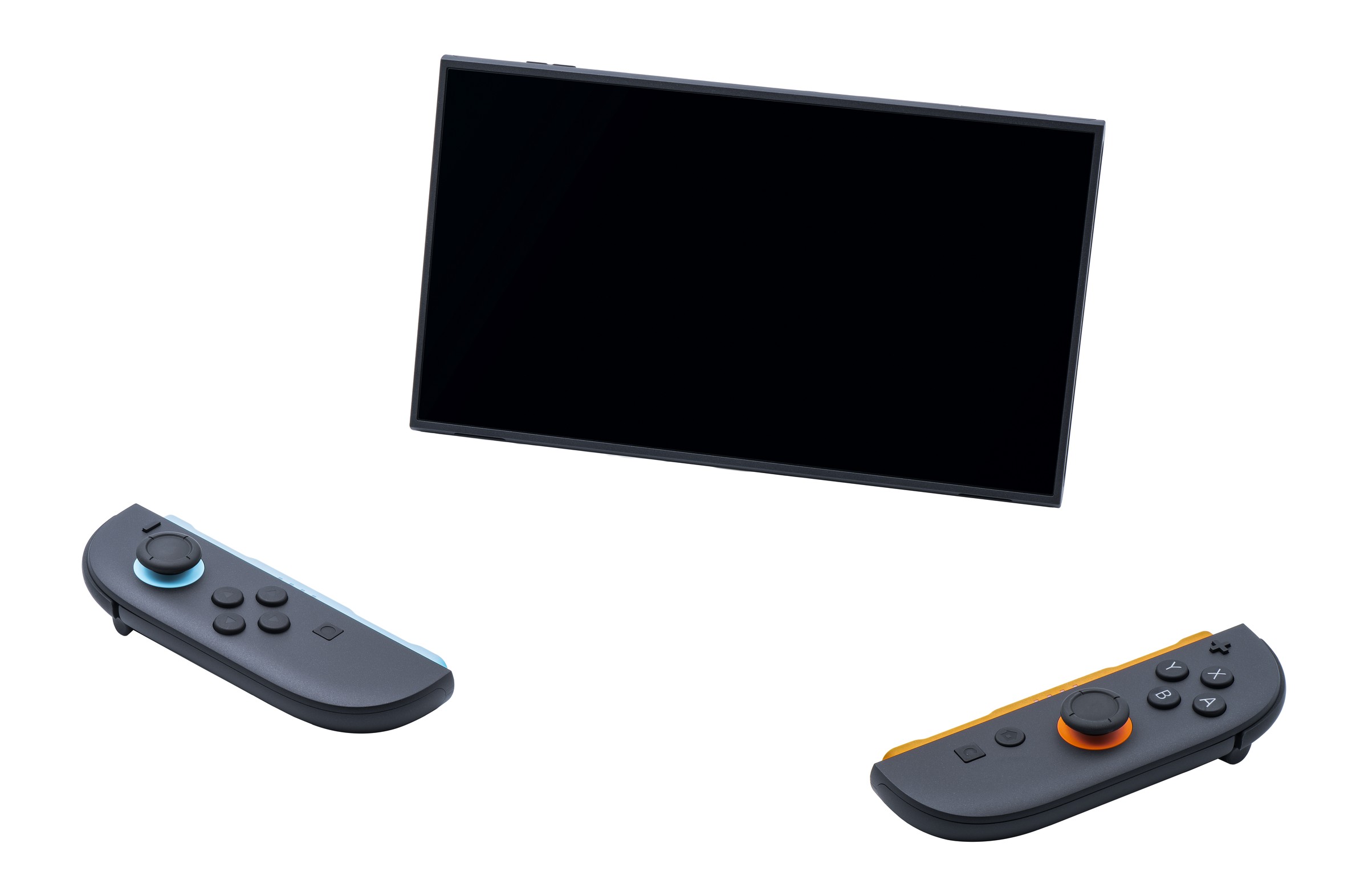
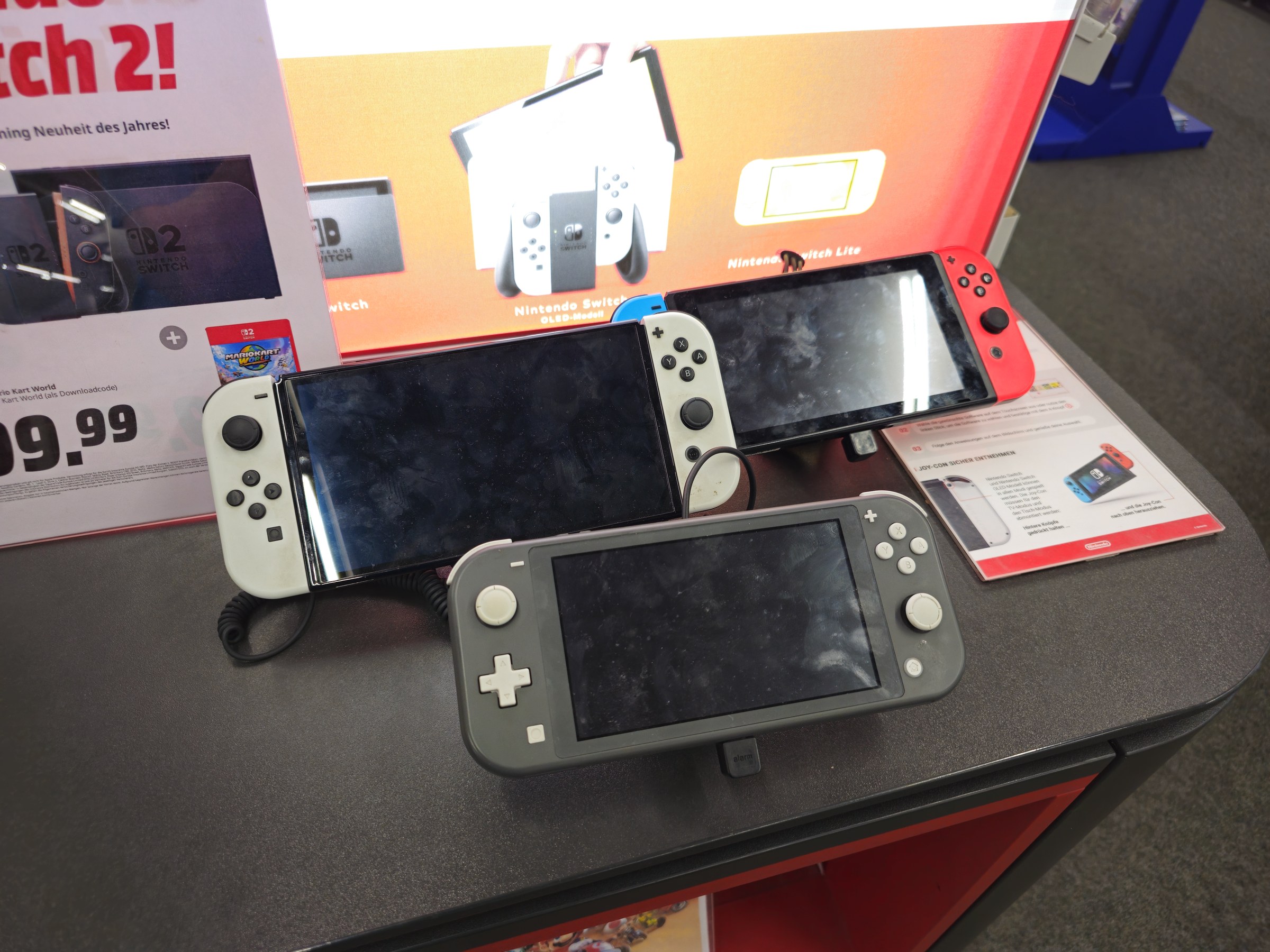
Anyone whose Nintendo Account relies on a Google or Apple login. A Nintendo Account is the account behind your eShop purchases, Nintendo Switch Online membership, save data cloud backups and the Nintendo Switch app on your phone, so losing access is a real problem. Nintendo Accounts are used across Nintendo Switch 2, Nintendo Switch, Nintendo Switch Lite and Nintendo Switch OLED Model, so every Switch owner should check.
If you already sign in with your email address or Sign-In ID and a password, nothing changes for you. If you have a Google or Apple account linked but also know your Nintendo password, you are fine too. The people at risk are those who only ever used the Google or Apple button and never created a password.
How will you sign in after January 26?
Nintendo says that if you are already signed in to your Nintendo Account on a device, you may not have to sign in again. But whenever the sign-in page does appear, you will need to use the email address or Sign-In ID and password for your Nintendo Account, or a passkey.
A passkey lets you sign in with your phone or computer's own unlock method, such as your fingerprint or face, instead of typing a password. Nintendo recommends registering one for an easier and more secure login.
How to set a Nintendo Account password
If you never set a password, or have forgotten it, Nintendo's instructions are short. Go to the Nintendo Account login page at accounts.nintendo.com and select "Forgot your password?". Follow the instructions to send yourself a password reset email, then choose a new password from the link in that email.
If the email does not arrive, Nintendo says it can take some time. Add no-reply@accounts.nintendo.com to your address book and safe-sender list, and check your spam folder. If you no longer have access to the email address registered to the account, Nintendo asks you to contact its support team to update it.
Apple users have one extra thing to check. If you chose Hide My Email when you first used Sign in with Apple, Nintendo only has an Apple relay address, not your real one. The Mac Observer notes that Nintendo's reset email then reaches you only while Apple's email forwarding for that relay address is switched on. On an iPhone you can see which address Nintendo has under Settings, your name, Sign in with Apple. Do not remove Nintendo from that list until you have a working password.
How to add a passkey to your Nintendo Account
Nintendo's passkey guide lists these compatible devices: iPhone with iOS 16 or newer, iPad with iPadOS 16 or newer, Mac with macOS 13 or newer, and Android devices with Android 9 or newer. You can register up to 10 passkeys, one per device.
On the device you want to use, go to accounts.nintendo.com and sign in. Select Sign-in and security settings, then Passkeys, then Edit. Nintendo may ask you to confirm it is you with a code sent to your email address. Select Register a new passkey, enter your Nintendo Account password, read the information and select Register, then follow your device's prompts. You will see the message "The passkey below has been registered" when it worked.
Notice that the passkey steps ask for your Nintendo Account password. A passkey is not a way around setting one. Nintendo also says your email address and password stay important as a backup if you lose or change the device that holds your passkey. So the order is simple: set a password first, then add a passkey.
What about the Nintendo Switch app and Switch Online?
The Nintendo Switch app on iPhone and Android uses the same Nintendo Account, so the same rule applies there. 9to5Google recommends making sure you can sign in with your email and password, or a passkey, well before the January cutoff rather than waiting for the sign-in screen to appear.
Nintendo's notice does not say that anything happens to your games, purchases, Nintendo Switch Online membership or save data. The change is only about how you sign in. As long as you can sign in with a password or passkey, your account stays the same.
Quick checklist before January 26, 2027
1. Go to accounts.nintendo.com and try signing in with your email address or Sign-In ID and password, not the Google or Apple button.
2. If you do not know the password, use "Forgot your password?" and set one now.
3. If you use Sign in with Apple with Hide My Email, confirm the relay address is still forwarding to your inbox before you request the reset.
4. Optional but recommended: add a passkey on your phone or computer under Sign-in and security settings.
5. Make sure the email address on your account is one you can still open, and update it through Nintendo support if not.
See more of The Threshold on Google
Add us as a preferred source to see more of our stories in your Top Stories.
Frequently asked questions
When does Nintendo stop Google and Apple sign-in?
Nintendo's support notice says it will no longer be possible to link a Google or Apple account to a Nintendo Account as of January 26, 2027. Nintendo notes the exact end time may be delayed depending on its system work.
Will I lose my Nintendo games or purchases?
Nintendo's notice does not say anything happens to games, purchases, Nintendo Switch Online or save data. The change is about how you sign in. Set a password or passkey so you can keep signing in.
How do I sign in to my Nintendo Account after January 26, 2027?
Use the email address or Sign-In ID and password for your Nintendo Account, or a registered passkey. If you are already signed in on a device, Nintendo says you may not have to sign in again.
I never set a Nintendo password. What should I do?
Go to accounts.nintendo.com, select Forgot your password? and follow the reset email to set one. If the email does not arrive, add no-reply@accounts.nintendo.com to your safe-sender list or contact Nintendo support.
Can I still create a Nintendo Account with Google or Apple?
Not after January 26, 2027. Nintendo says new Nintendo Accounts will no longer be able to be created using a Google or Apple account from that date.
Which devices support Nintendo Account passkeys?
Nintendo lists iPhone with iOS 16 or newer, iPad with iPadOS 16 or newer, Mac with macOS 13 or newer and Android 9 or newer. You can register up to 10 passkeys.
Do I still need a password if I use a passkey?
Yes. Registering a passkey asks for your Nintendo Account password, and Nintendo says your email address and password remain your backup if you lose or change the device with the passkey.
What happens to the My Nintendo Google linking mission?
Nintendo says the My Nintendo Platinum Points mission for linking a Google account to your Nintendo Account is being discontinued as part of the change.