Gemini Omni 1.2 Flash: 15s video, price, access
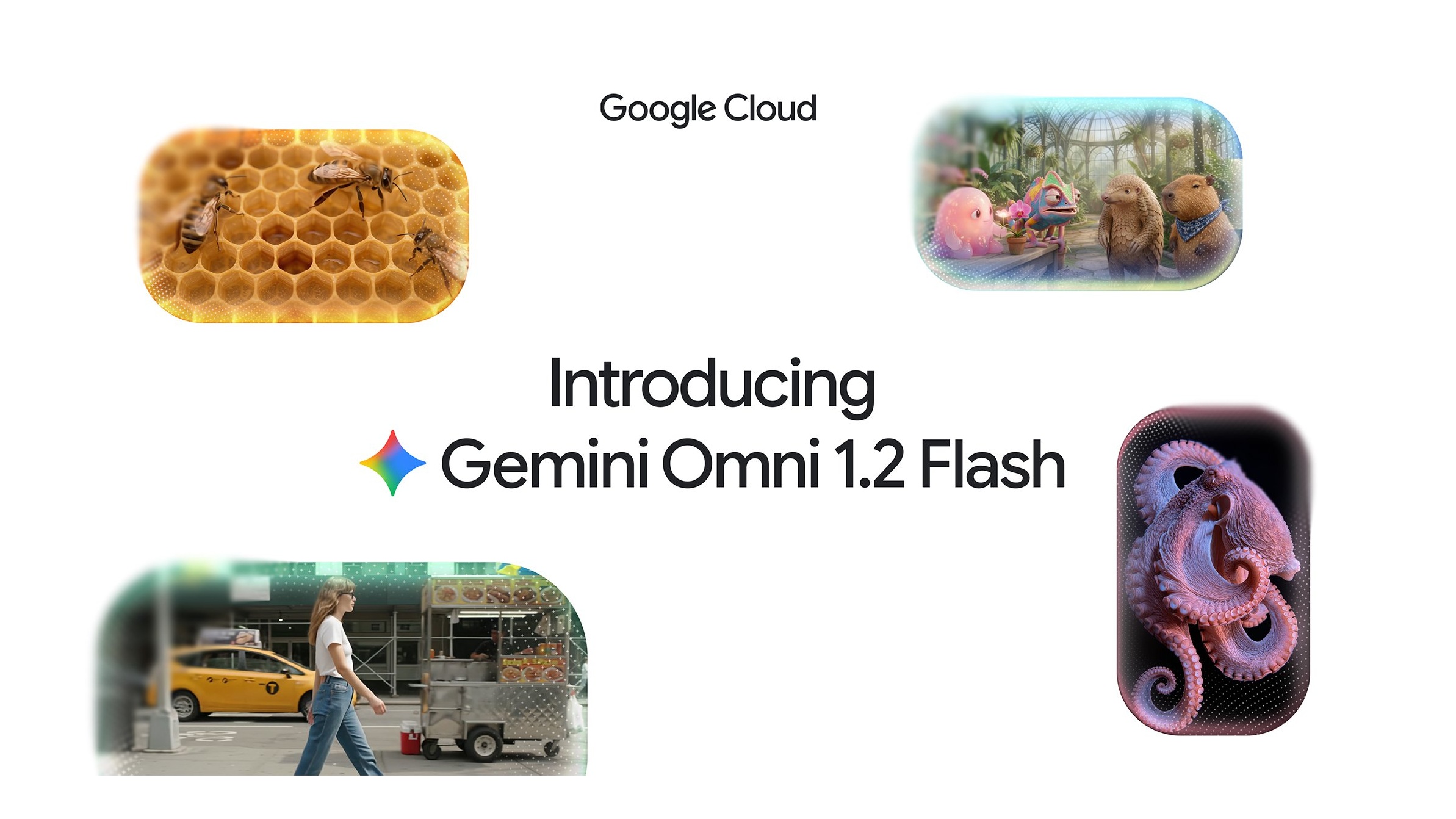
/ Google's Gemini Omni 1.2 Flash is GA with 15-second native AI video, a 30% price cut to $0.07/sec at 720p, and access in Vids, API, Cloud and Gemini.
by Hozefa Khety
· 6 min read
Google has launched Gemini Omni 1.2 Flash, a native AI video model that can generate and edit clips up to 15 seconds long. It went generally available on November 5, 2026 across the Gemini API and Google Cloud, with a price of $0.07 per second for 720p video — about 30% less than Omni 1.1.
You can also use it inside Google Vids, Flow, Google Ads, and (for Google AI Ultra subscribers) the Gemini app as it rolls out. Here is what changed, what it costs, and who can use it.
What is Gemini Omni 1.2 Flash?
Gemini Omni 1.2 Flash is Google's fast video generation and editing model. The developer model code is gemini-omni-1.2-flash. It turns text, images and short video or audio references into video with native audio, and it is built for the short clips businesses make in volume — product spins, virtual try-ons, explainers and ads.
Google says outputs carry an imperceptible SynthID watermark. On Google Cloud, the model is production-ready with Provisioned Throughput and enterprise security. Audio references are gated behind allowlisting.
What is new versus Omni 1.1
The headline upgrades versus Gemini Omni 1.1 Flash are longer clips, lower price, stronger reference following, and multi-turn editing:
Longer clips: generate and edit videos natively up to 15 seconds, up from a 10-second max on 1.1. You can set duration in one-second steps from 3 to 15 seconds.
Better reference adherence: combine character, product or style images, short motion clips (up to three seconds), and audio cues, and the model is meant to hold faces, garments, packaging type and brand colors across camera angles.
Multi-turn conversational edits: refine the same clip turn by turn — swap a product or background, change lighting or weather, or switch aspect ratio — instead of regenerating from scratch. That works across full 15-second clips.
More natural speech and camera control: Google highlights clearer lip-sync, distinct multi-speaker conditioning, and steadier continuous moves such as FPV flythroughs, zoom-outs and orbits with fewer unwanted jump cuts.
Draft then upscale: create drafts at 360p or 720p, then upscale the keepers to 1080p or 4K so you are not paying full resolution on every try.
Gemini Omni 1.2 Flash price
Google's announcement puts 720p video at $0.07 per second, a 30% cut from Omni 1.1, with similar savings at other resolutions.
The Gemini API pricing page bills by tokens. On the paid tier, input is $1.50 per million tokens (text, image or video). Output is $9.00 per million text tokens and $12.00 per million video tokens. Free tier is not available for this model.
Video billing uses 5,792 tokens per second of 720p. At the $12.00 per million video-token rate that works out to about $0.07 per second — roughly $0.70 for a 10-second clip and about $1.04 for a 15-second clip. Google also lists about $0.023/s for 360p, $0.104/s for 1080p with upsampling, and $0.209/s for 4K with upsampling.
In Google Vids, Google says you can generate 15-second clips at no additional cost with a Google account or Google Workspace subscription (subject to Vids AI usage limits). Gemini app access for Ultra subscribers is described the same way in the Google blog post.
Where you can use it
Developers: prototype in Google AI Studio and call model gemini-omni-1.2-flash on the paid Gemini API. Effective December 3, 2026, requests to gemini-omni-1.1-flash automatically route to 1.2 and are billed at 1.2 rates.
Businesses and cloud builders: use it in the Google Cloud console and Gemini for business, and embed it in apps and agents through the API. Google Cloud notes partners such as Artlist, FLORA, invideo, Krea, Picsart, Runway, Photoroom and QuickFrame AI already building on it.
Google Vids: Omni 1.2 Flash is built into Vids with a 3–15 second duration slider, improved reference consistency and wider speaker variety. Rollout started November 5, 2026 for Rapid and Scheduled Release domains (about 1–3 days for visibility). There is no separate admin control.
Everyone else: direct scenes and multi-turn edits in Flow, create 15-second videos in the Gemini app as it rolls out to Google AI Ultra, and scale campaigns in Google Ads.
Who gets Google Vids access
According to Google Workspace Updates, Omni in Vids is available for Business Starter, Standard and Plus; Enterprise Starter, Standard and Plus; Education Plus; consumer personal Google accounts; Google AI Pro and Ultra; Enterprise Essentials and Essentials Plus; Nonprofits; Individual; Google AI Pro for Education; Teaching and Learning; and AI Expanded Access add-ons (which get higher Omni limits).
Tips, limits and what to watch
Draft cheap, then upscale: iterate at 360p or 720p and only upscale the final take to 1080p or 4K. Use multi-turn edits for variants instead of full regenerations when you only need a background, product or aspect-ratio change.
Google says development is still ongoing for fast sports action, rapid script changes and complex physics — so treat those as weaker spots for now. API video output supports 360p, 720p, 1080p and 4K at 24 FPS; docs also note 3–10 seconds for first-and-last-frame interpolation and per-turn video extension (up to 30 seconds total).
If you need a Google text frontier model instead of video, that is a different product line — see our Gemini 4 Carbon coverage linked above.
The bottom line
Gemini Omni 1.2 Flash is the first generally available Gemini Omni release aimed at everyday short-form video: 15-second clips, conversational edits, stronger reference sticking, and a clearer $0.07/sec 720p price. Developers on the paid API, Cloud customers, Vids users and Gemini Ultra subscribers are the ones who can start today.
Check Google's pricing page and Vids AI limits before you budget a large batch run — token rates and plan caps are what you will actually be billed against.
See more of The Threshold on Google
Add us as a preferred source to see more of our stories in your Top Stories.
Frequently asked questions
What is Gemini Omni 1.2 Flash?
It is Google's generally available AI video generation and editing model (model code gemini-omni-1.2-flash). It creates clips up to 15 seconds with native audio and supports multi-turn conversational edits.
How much does Gemini Omni 1.2 Flash cost?
Google lists $0.07 per second for 720p video, about 30% less than Omni 1.1. On the Gemini API paid tier that maps to $12.00 per million video output tokens (about $0.70 for 10s and $1.04 for 15s at 720p). Input is $1.50 per million tokens.
How long can Gemini Omni 1.2 Flash videos be?
You can generate and edit clips from 3 to 15 seconds in one-second steps. That is up from a 10-second maximum on Omni 1.1. Docs also describe per-turn extension up to 30 seconds total in some workflows.
Where can I use Gemini Omni 1.2 Flash?
It is generally available on the Gemini API and Google Cloud. It is also in Google Vids, Flow and Google Ads, and is rolling out in the Gemini app for Google AI Ultra subscribers.
Is Gemini Omni 1.2 Flash available in Google Vids?
Yes. Workspace Updates says it rolled out from November 5, 2026 for Business, Enterprise, Education Plus, consumer Google accounts, Google AI Pro/Ultra and several other editions, with no separate admin control.
What is new compared with Gemini Omni 1.1 Flash?
Longer 15-second clips, a 30% lower price, stronger reference adherence, multi-turn conversational editing, more natural speech, steadier camera moves, and a draft-at-360p/720p then upscale-to-1080p/4K workflow.
Will Gemini Omni 1.1 Flash keep working?
Yes for now, but effective December 3, 2026 API requests to gemini-omni-1.1-flash automatically route to gemini-omni-1.2-flash and are billed at 1.2 rates.
Is Gemini Omni 1.2 Flash free?
The Gemini API has no free tier for this model. In Google Vids, Google says 15-second generations are available at no additional cost with a Google account or Workspace subscription, subject to Vids AI usage limits. Gemini app access is rolling out to AI Ultra.