Your AI agent needs a permission screen, not a chat box
/ AI agents are learning to book, buy, send, and edit on our behalf. The missing product is a clear permission system that shows their limits, asks at the right moments, and leaves a record behind.
by Hozefa Khety
· 7 min read
Ask a chatbot to draft an email and the worst likely outcome is a bad sentence. Ask an agent to book the flight, move the meeting, file the expense and send the message, and the question changes. It is no longer whether the model understood you. It is whether it was allowed to do all that, and whether you can tell it to stop halfway through.
The industry has spent two years making AI assistants sound more capable. The less glamorous job is making them safe to hand the keys to. A chat box is a poor place to do that. It can explain what an agent plans to do, but it is a terrible receipt, a vague control panel, and an even worse lock. The next useful AI interface needs a permission screen.
Apps ask for access. Agents ask for judgment
Phone permissions are familiar because they are narrow. A camera app asks for the camera. A maps app asks for location. The operating system names the resource, gives you a choice, and usually lets you change your mind later. It is imperfect, but the shape makes sense. The app has a known function and the permission maps to it.
An agent breaks that tidy arrangement. "Find me a cheaper hotel" can mean search travel sites, read a calendar, compare loyalty offers, use a saved card, accept a cancellation policy and email an itinerary. The sentence sounds like one task. Under the hood, it crosses several services and contains decisions with very different stakes. A user cannot reasonably grant all of that with a cheerful "sure" in a chat window.
This is why the permission model matters more than the demo. An assistant that can work across apps needs to show what it can read, what it can change, what it can spend, and who gets a copy of the data. It also needs to distinguish between planning a trip and buying one. Those are not the same authority.
The first rule is to make scope legible
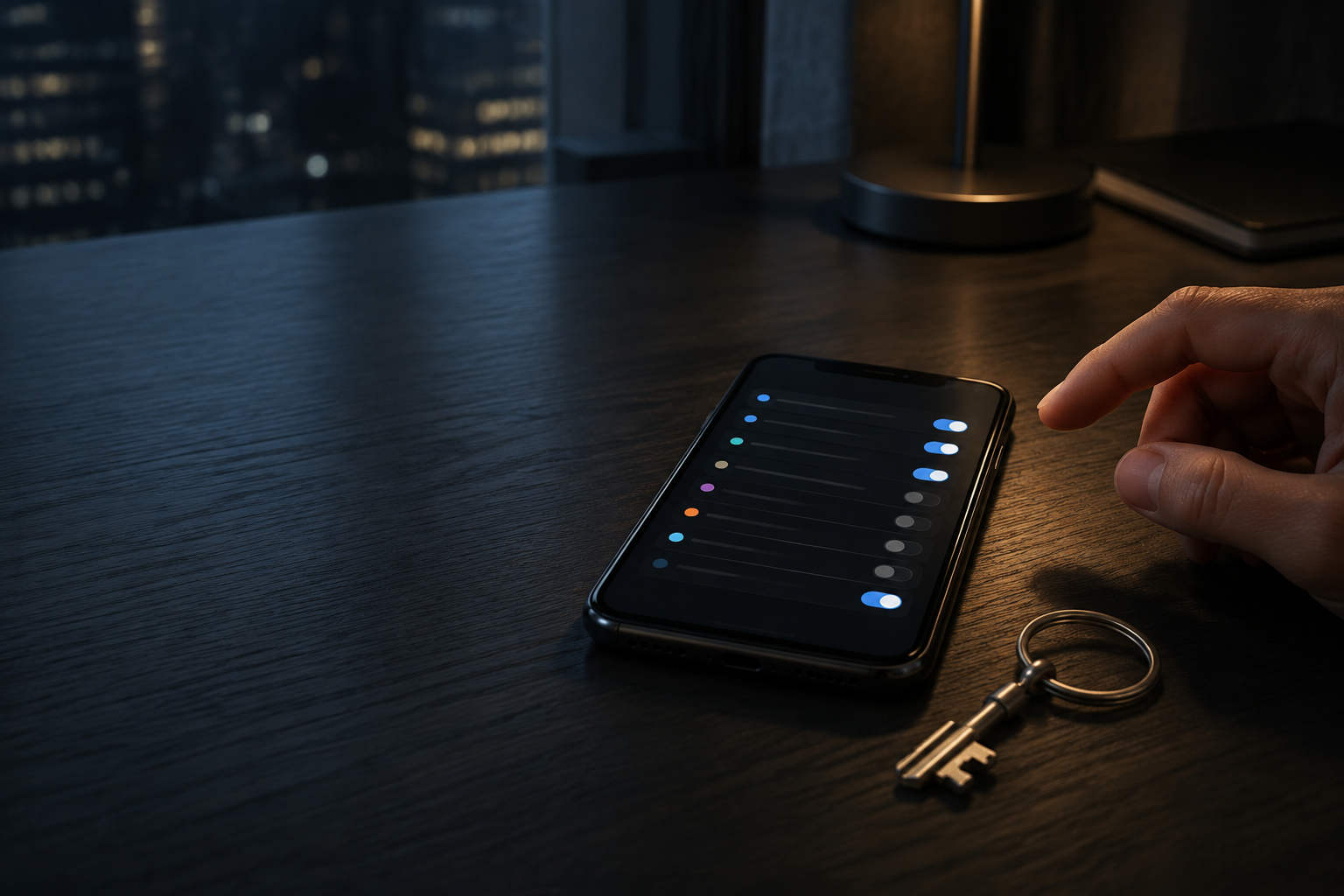
"Allow access to your connected apps" is not a permission. It is a shrug. Good agent permissions should describe an action in ordinary language and bind it to a limit: read this inbox, create drafts but do not send, use this card only after a final confirmation, change reservations under this booking number, access this document until tonight. The user should see the boundary before the agent crosses it.
Time limits matter. A travel agent does not need an indefinite connection to your email after it has sent the itinerary. A shopping agent does not need permanent access to a payment method because you used it once. Expiring access removes a whole class of forgotten permissions that quietly outlive the task that justified them.
Limits on money and outward communication should be just as explicit. A useful control might say: this agent may prepare a basket, but it cannot place an order. Or it may send one message to this person, but it cannot message anyone else. That sounds almost boring, which is exactly right. Security gets better when the controls are boring enough to understand at a glance.
A plan deserves a different screen from an action
There is a useful split that product teams should steal from finance apps. Let the agent explore freely within a small, read-only boundary. Then make it present a concrete plan before it crosses a line. "I found three flights. The cheapest has a six-hour layover. I will book the 9:20 a.m. direct flight for Rs 18,400 using the card ending 0412. Confirm?" That is a decision a person can evaluate. "I will handle it" is not.
The confirmation should survive the chat. If an agent can act later, the user needs somewhere to inspect the approved plan, change its limits, or cancel it. A timeline with a real stop button is more useful than a clever conversational apology after the agent does the wrong thing.
This also solves a small but important problem with natural language. People are loose with instructions. "Get the usual" works when a barista knows you. It is risky when software can select an address, a payment method, and a delivery time. The agent can still be conversational. It should simply turn ambiguity into a clear proposal before it becomes a charge or a message.
The agent needs a paper trail
Every meaningful action needs an answer to a simple question: what happened in my name? A good activity log would show the instruction, the services contacted, the permissions used, the data shared, the final result, and a way to undo what can be undone. The log should be written for the owner of the account, not for a security engineer decoding event IDs.
That record matters when an agent fails, but it also changes behavior before it fails. An app is less likely to ask for broad access if it knows the request will be shown clearly. An agent is easier to trust if its actions leave visible footprints. People do not need to watch every click. They need to know they could reconstruct a bad one.
The same principle applies to delegation. If an assistant calls another service to finish a task, the handoff cannot be invisible. The owner should know that the travel agent passed the payment step to a merchant, or that a work assistant used a connected calendar. A chain of agents that quietly passes credentials around is an enterprise incident waiting for a consumer wrapper.
MCP is helpful plumbing, not permission itself
This is where Model Context Protocol enters the story. MCP gives AI systems a common way to connect to tools and data sources. That is useful because an agent should not have to scrape a screen or pretend to be a person tapping through an app. Direct integrations are more reliable and easier for an app to govern.
But a common connection method does not answer the consent question by itself. A neat protocol can still expose too much data, keep a token too long, or give an agent permission to make an irreversible choice without asking again. The plumbing should let services grant narrow credentials and show users what those credentials mean. It cannot decide the policy on its own.
That distinction is easy to miss because protocol launches make better headlines than settings screens. Yet the settings screen is where the real product contract lives. If an AI phone works because each app explicitly grants it a limited credential, that is a better future than one where the model learns to impersonate your fingers. It is also a future that needs far more care than a single "connect" button.
The permission screen should become part of the product
Companies will be tempted to hide these controls. Friction hurts a demo. A stream of confirmations makes an assistant feel less magical. There is truth in that. Nobody wants to approve every calendar read or every price comparison. The answer is not to remove the boundary. It is to put the small, safe actions on a short leash and reserve interruption for the moments that change money, messages, files, or relationships.
The winning agent will not be the one that asks permission least often. It will be the one that earns the right to ask less because users can see the limits, change them, and pull the plug without hunting through five menus. Trust is a feature here. So is restraint.
What to look for before you trust an agent
Before giving an agent access to anything important, look for four things. Can you tell what it may do in plain language? Does access expire or remain easy to revoke? Does it ask again before it spends money or sends something outside your account? Can you inspect a clear record afterwards? If the answer to any of those is no, the agent may be clever. It is not ready to be trusted with the task.
AI agents will keep getting better at operating software. That is the easy direction of travel. The harder one is making their authority understandable to the person whose life they are operating in. A chat box can make an agent sound friendly. A permission screen is what makes it answerable.
Frequently asked questions
Why do AI agents need different permissions from ordinary apps?
Ordinary app permissions usually grant access to a defined resource, such as a camera or location. An AI agent can combine several services and make choices along the way, such as reading a calendar, comparing prices, spending money, and sending a message. Its permissions need to state the action, the limit, and when the access ends.
What should an AI agent permission screen show?
It should plainly say what the agent can read, change, spend, or send; which services it can contact; any amount, recipient, or time limit; and how to revoke the access. High-stakes actions should require a final confirmation that shows the exact result.
Should an AI agent ask for confirmation before every action?
No. Repeated approval prompts make an assistant unusable. An agent can safely carry out low-risk, read-only work inside a narrow permission. It should stop for actions that spend money, send messages, modify important files, or share data outside the account.
Does Model Context Protocol solve AI-agent security?
No. MCP can give agents direct, governed connections to tools and data instead of relying on screen scraping. It does not decide how much authority an agent receives, how long credentials last, or when the user should be asked to approve an action. Those are product and security decisions.
What is an AI-agent activity log?
It is a user-readable history of what an agent did on the user's behalf. A useful log records the instruction, services contacted, permissions used, data shared, and outcome, with an undo or cancellation option where possible.